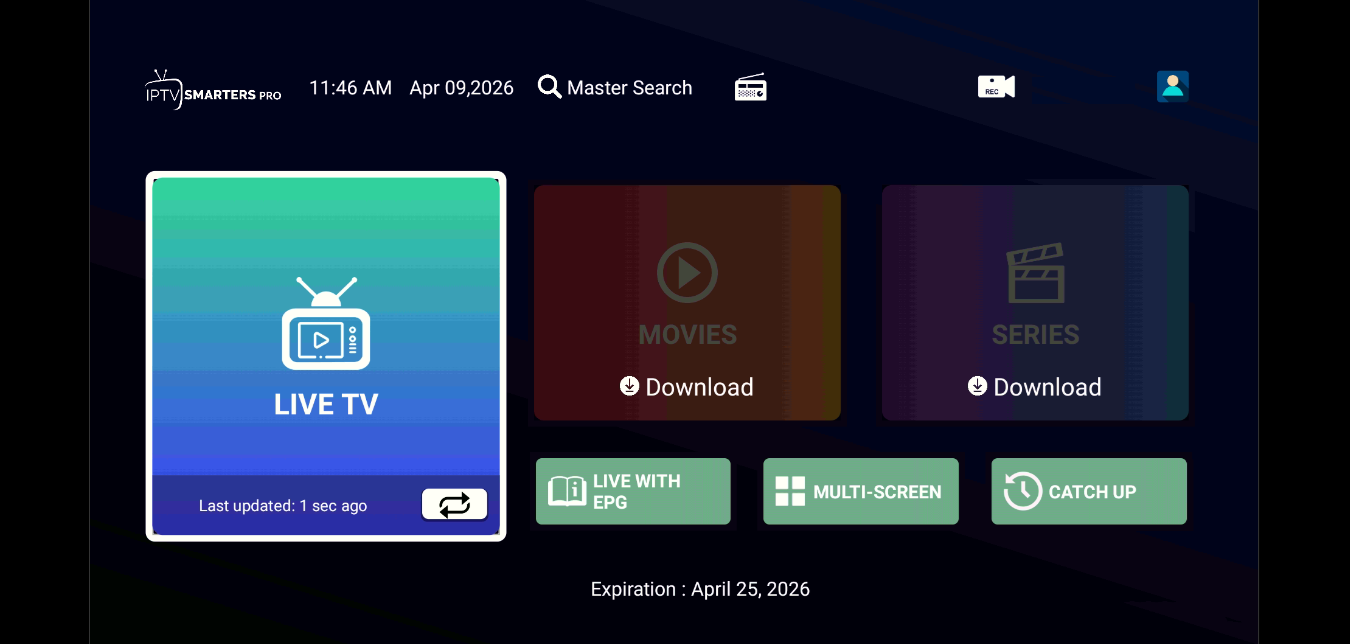
Firestick 4K Installation Guide
Easy setup for Firestick, Fire Cube and Fire TV
- Install the Downloader app.
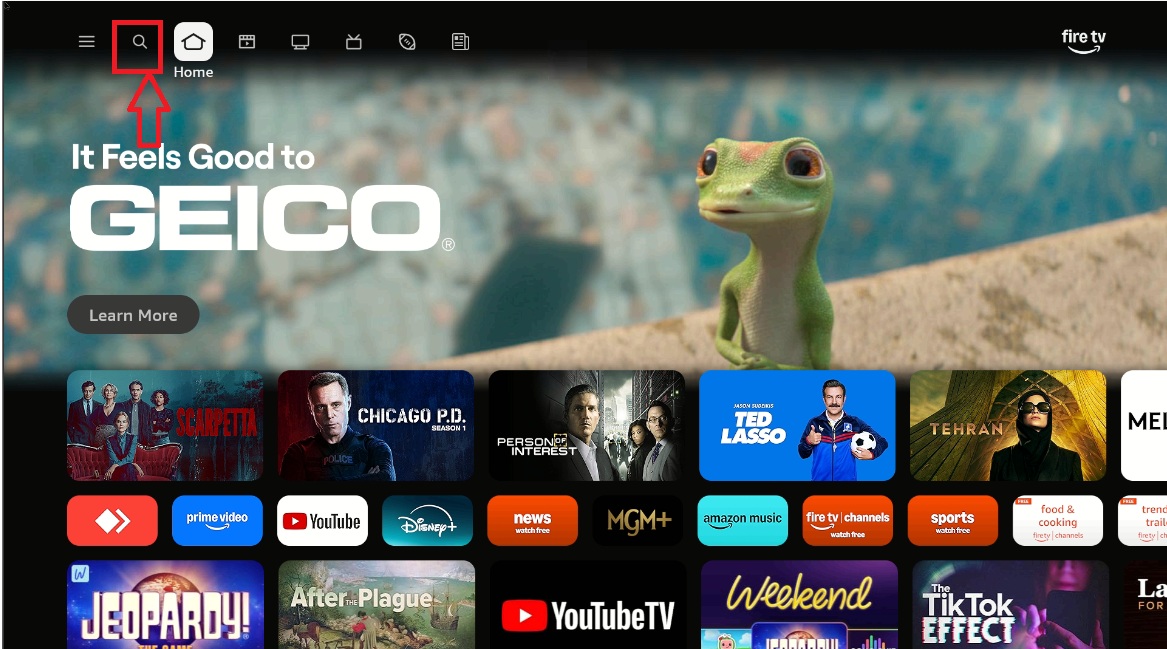
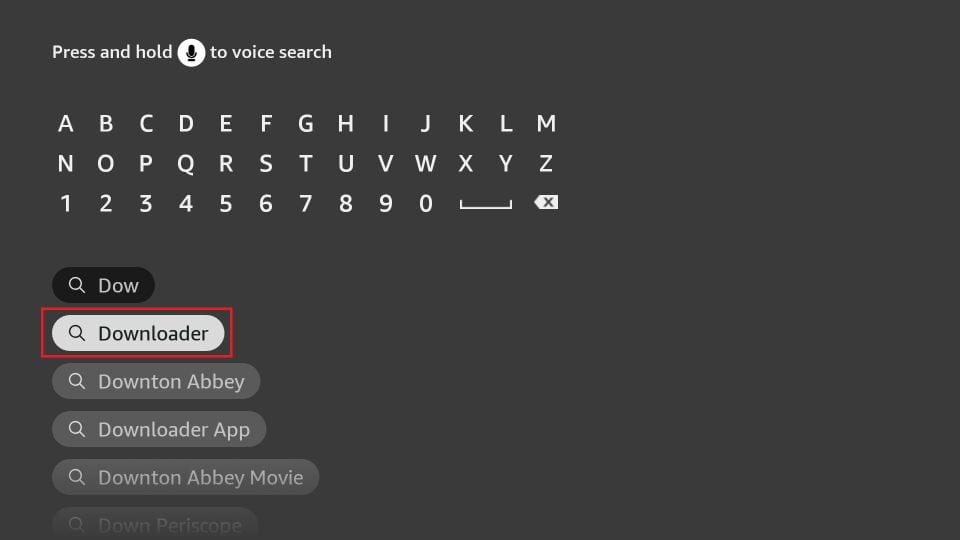
- Select Find (magnifying glass).
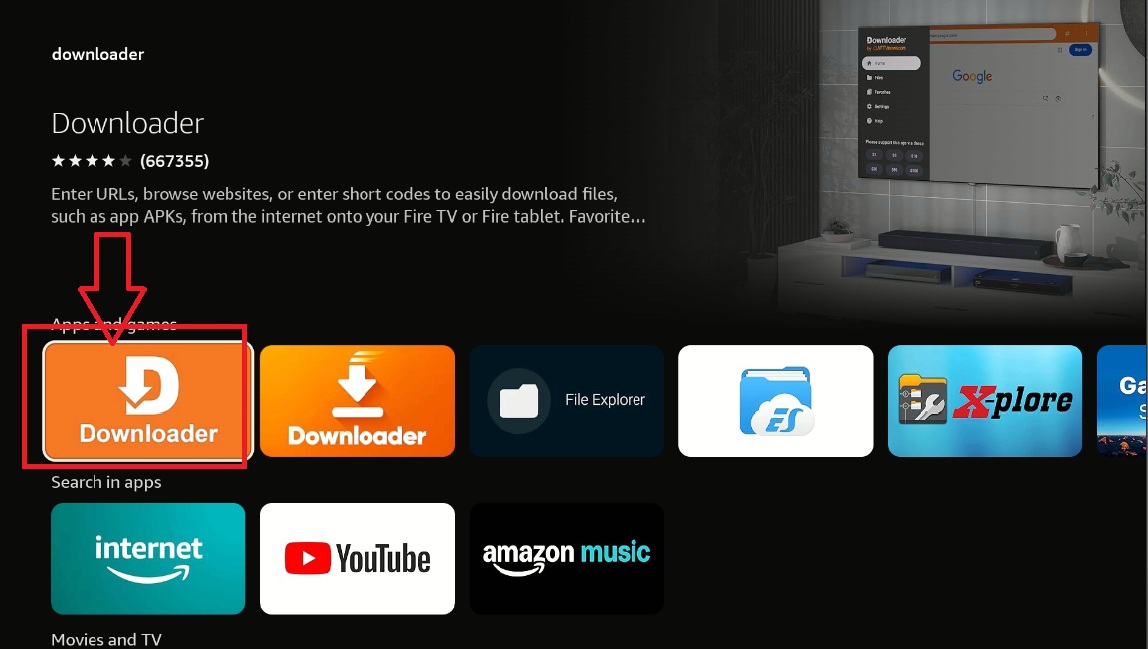
- Search for Downloader.
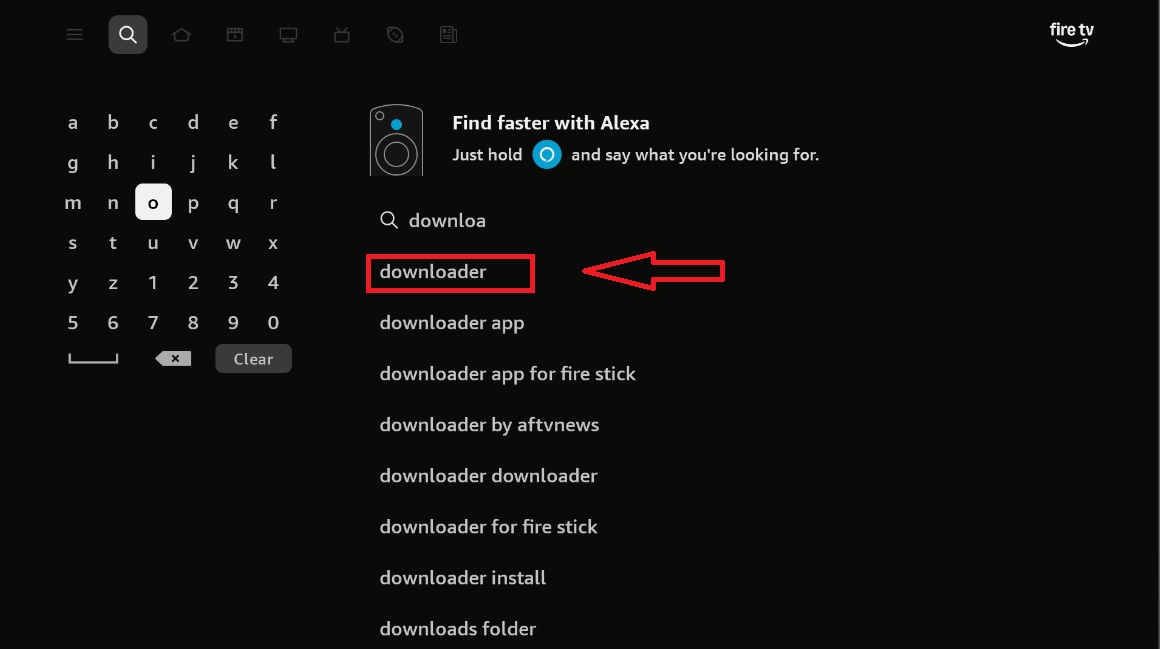
- Install Downloader.
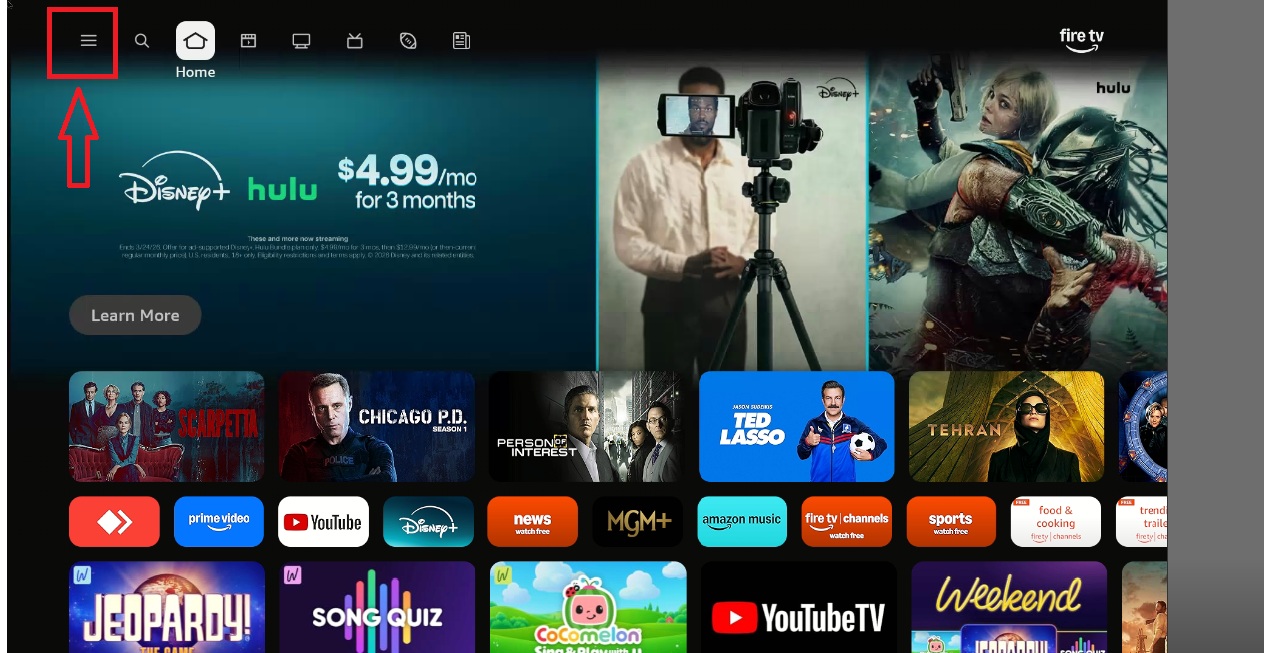
- Go to Settings.
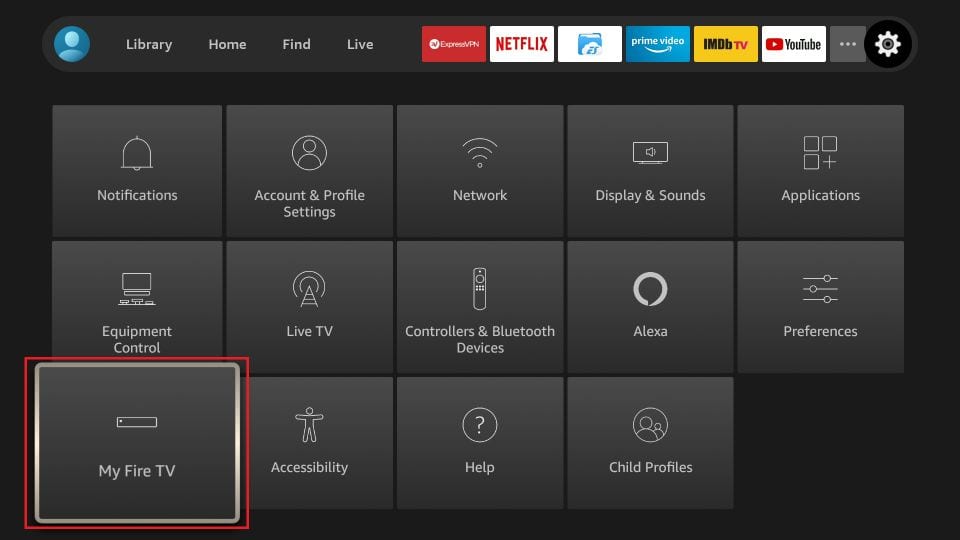
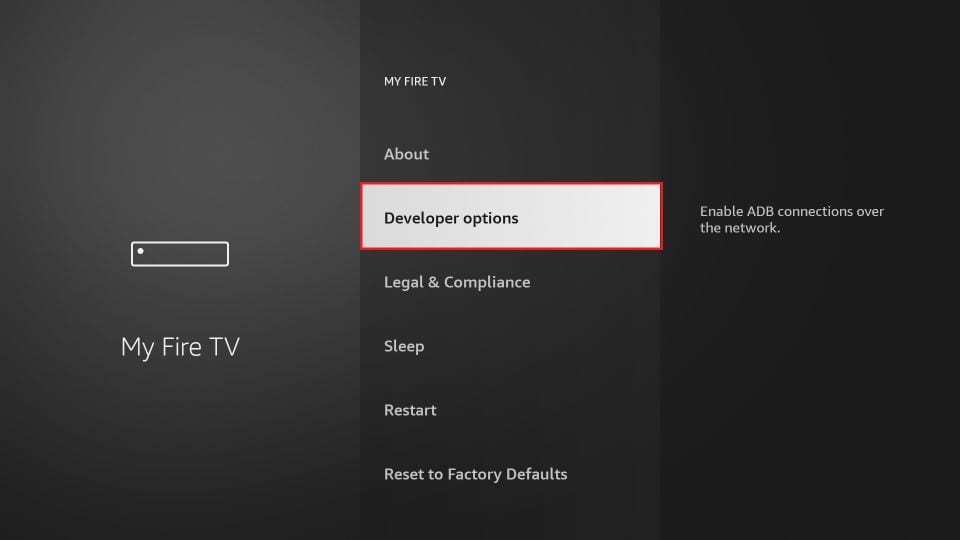
- Select My Fire TV.
- Open Developer Options.
If not visible → click ABOUT 7 times
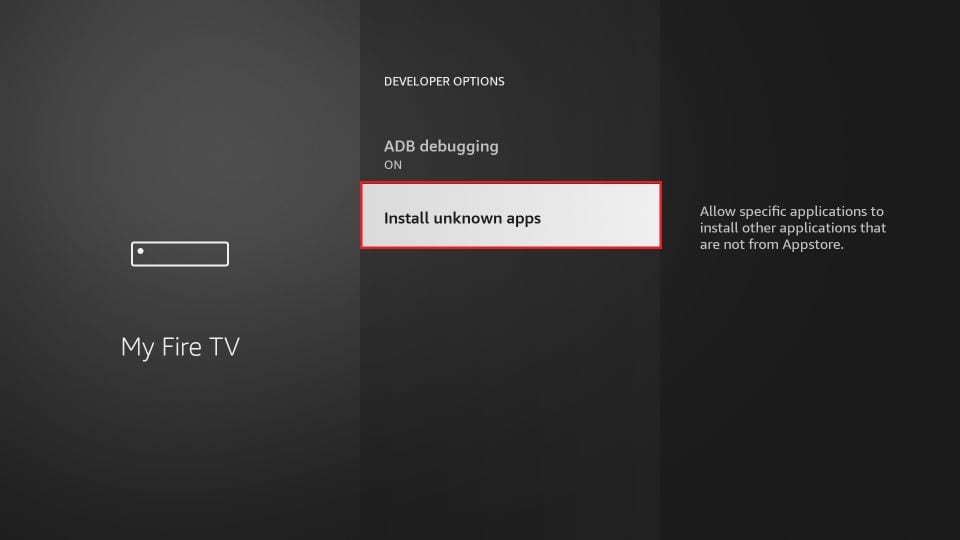
- Select Install Unknown Apps.
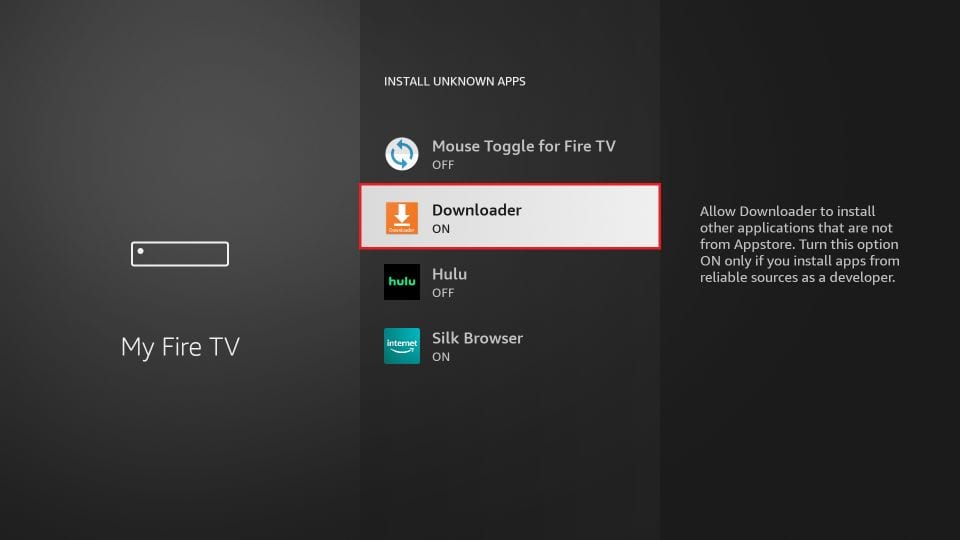
- Turn Downloader ON.
- Open Downloader and enter code:
5619823
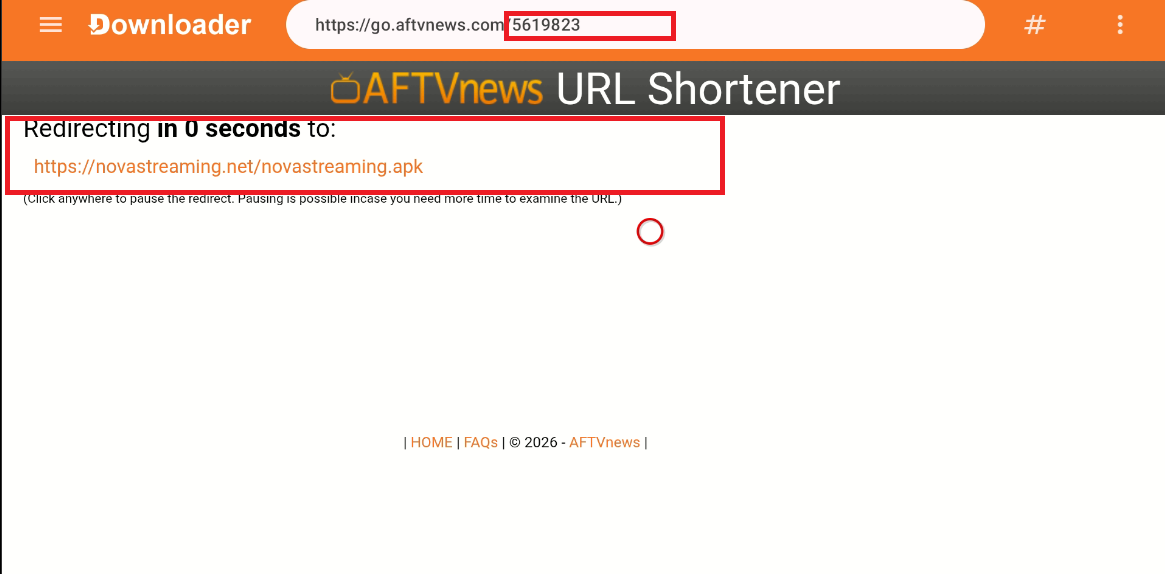
- Select player and download.
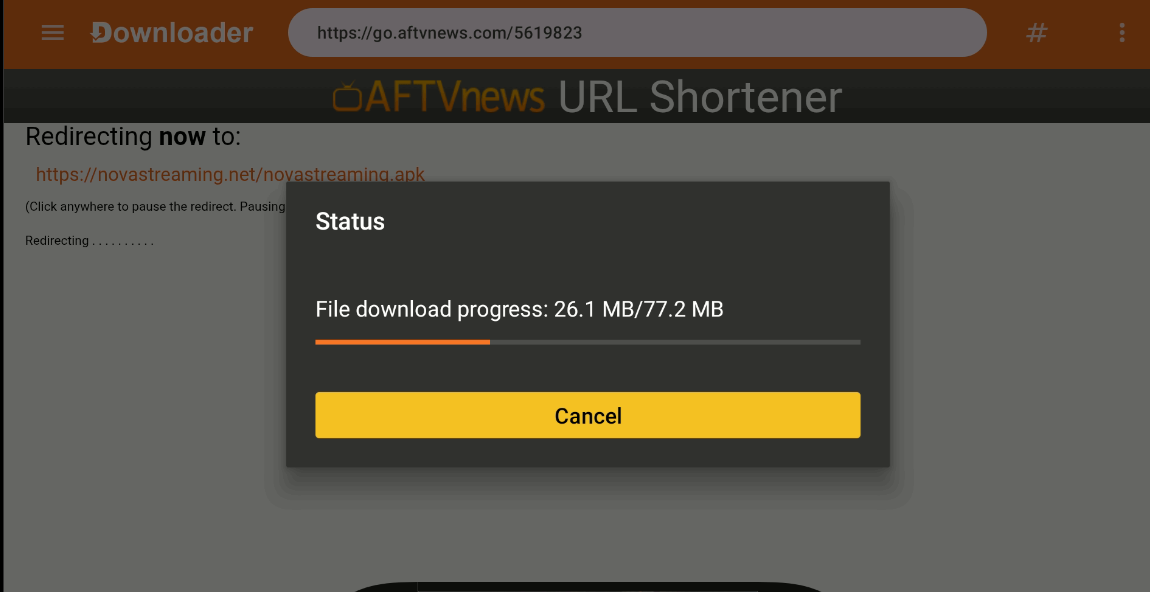
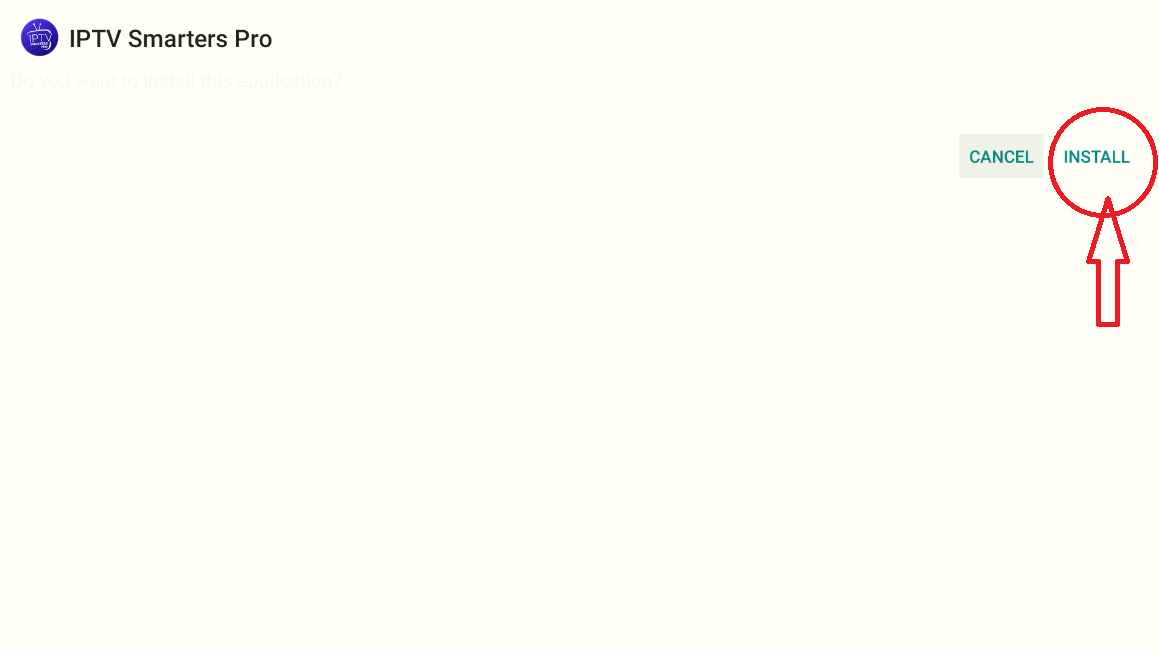
- Install the app.
- Click Install
- Wait to complete
- Click Open
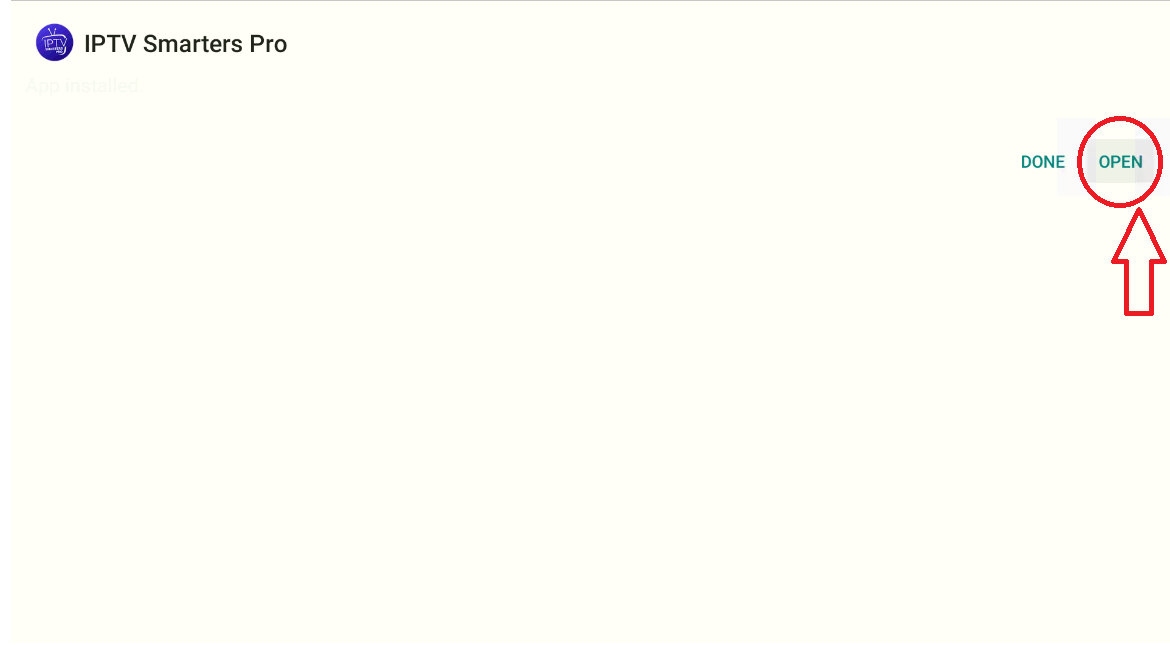
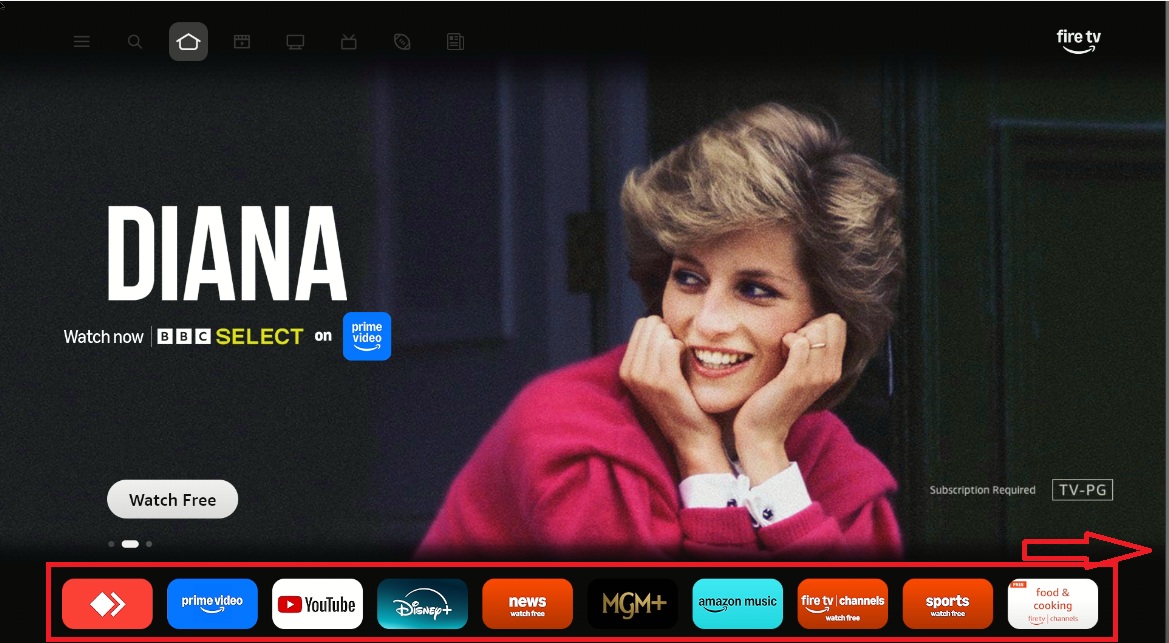
- Open app from Apps section.
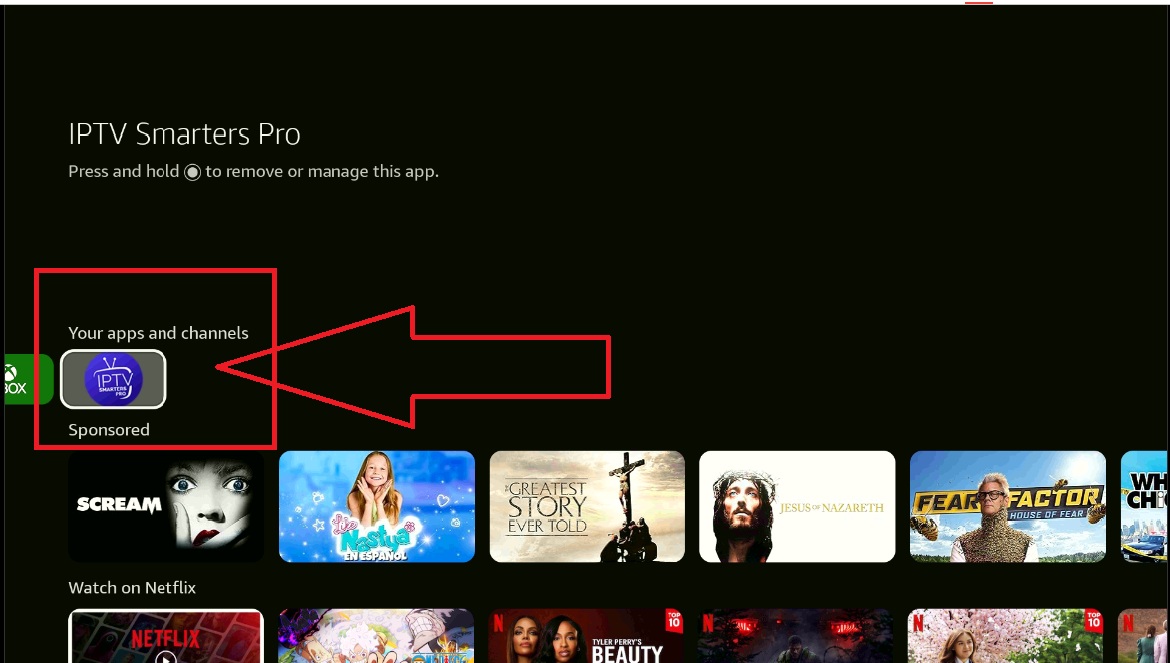
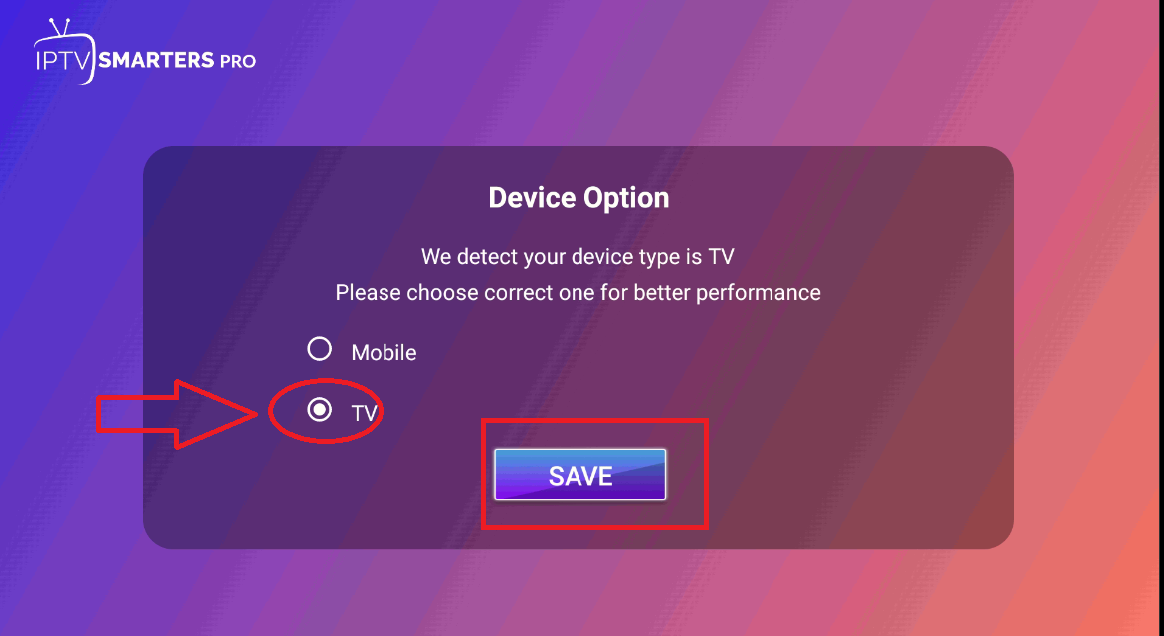
- Agree to terms → select TV.
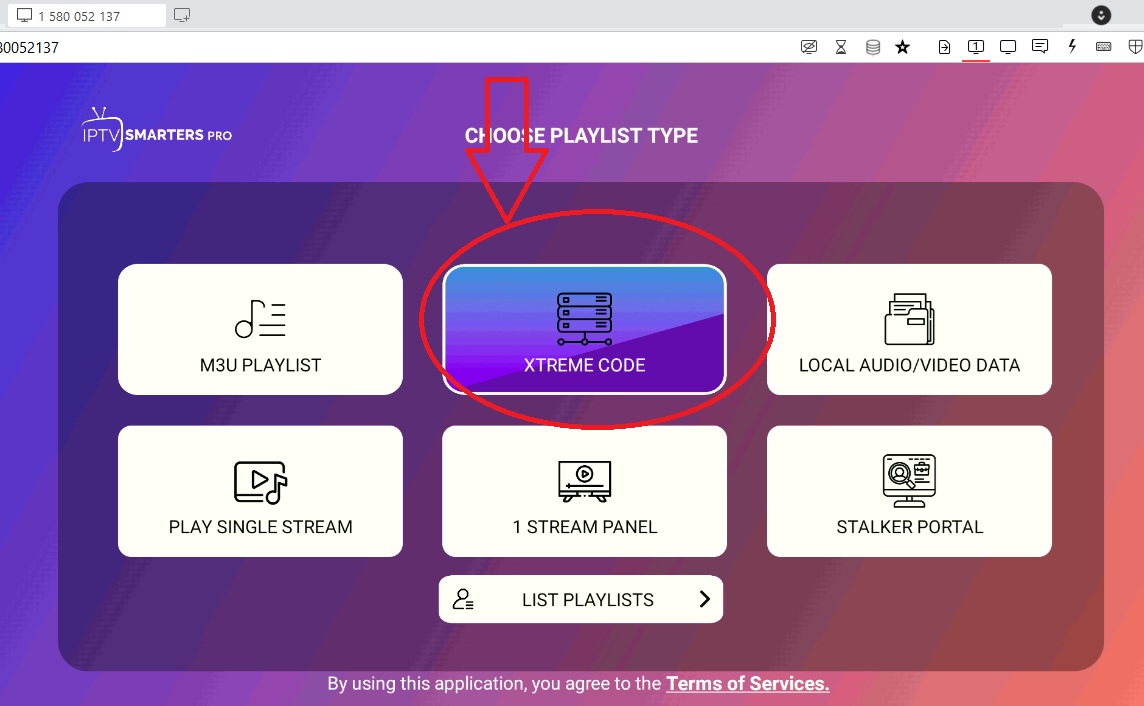
- Select Xtream Code.
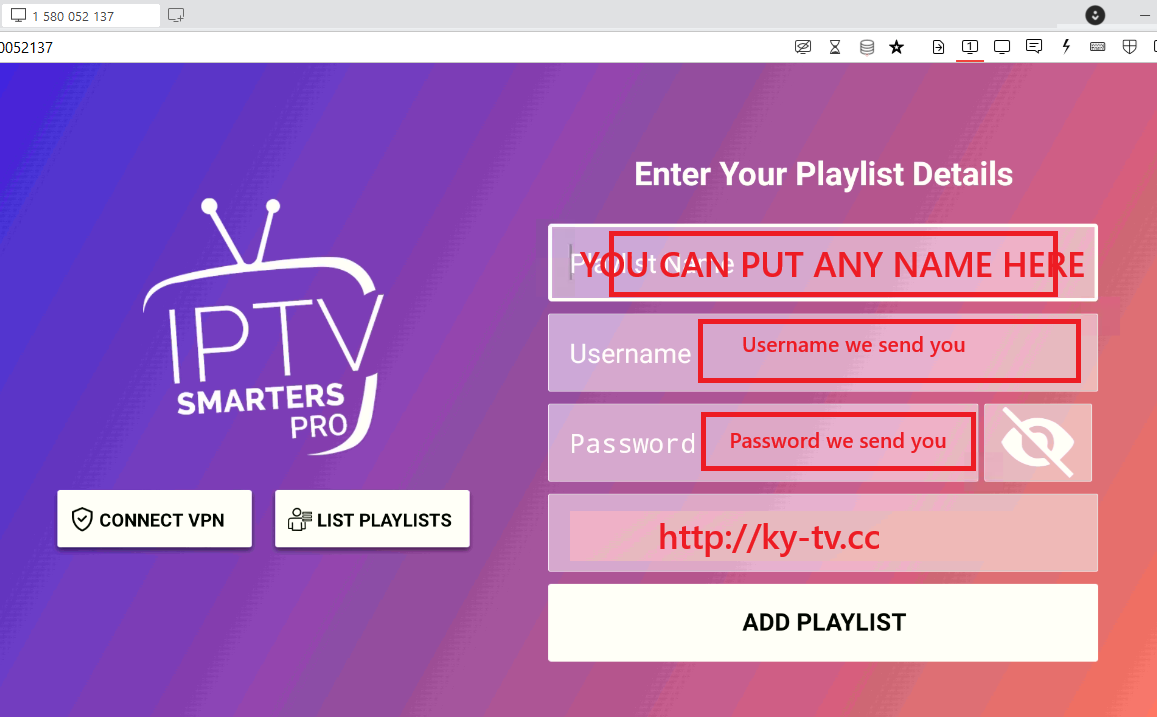
- Enter account details.
- Start watching. Enjoy!